
Hidalgo County Court Calendars Explained
The Hidalgo County District Court docket page lists hearings for the current day plus the next six days at the Lordsburg location. Think of it as a scheduling aid. It is not a certified Register of Actions. It is no guarantee a listed hearing will happen at the printed time. The official page itself warns that details may contain omissions and carries no warranty. A pending case can simply fall outside that window.
For a fuller Hidalgo County court-date check, put the calendar beside the case record. Compare it against any order or notice in the file too. District Court, Magistrate Court I, and Lordsburg Municipal Court each keep records on different paths. A calendar entry earns its keep when it hands you a case number. That number can be run through the statewide case system or confirmed with the court clerk.
Note: a Hidalgo County hearing set more than six days out may not show yet. Check the District Court calendar again closer to the date.
Hidalgo County Court Date Six-Day Window
The short horizon is the District Court calendar's biggest limit. It covers today plus six days. So a Hidalgo County hearing set further out may not appear, and a case with no public calendar entry can still be very much active in the court record. Treat the calendar as a recent schedule snapshot rather than a full case search. When an expected setting is missing, the safest move is to confirm directly with the court. The official Hidalgo District calendar shows the structure of the local schedule.
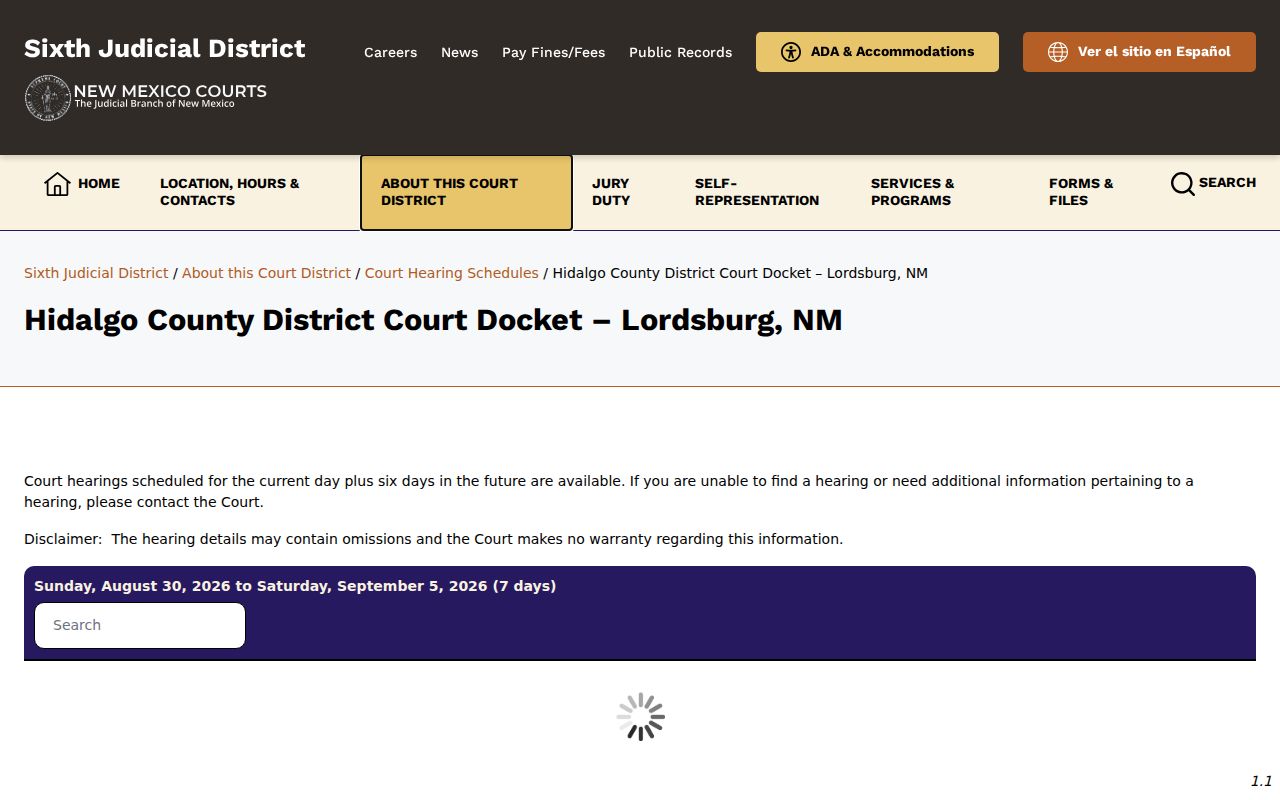
A Hidalgo County court-date check works best when you pull the case number, the date, and the hearing details from the listing, then confirm any appearance that matters with the court that created the setting.
Finding Your Court Date
Use every channel available before you trust a court date. Is the matter in District Court? Does it fall inside the six-day view? If so, check the public Hidalgo District calendar first. Next, run New Mexico Case Lookup with a name or case number. Pick the likely court type and category. Case Lookup can surface a setting or a court number. It still does not replace a notice or the official record. Registered re:SearchNM access may display broader hearing fields, depending on the account tier.
- Check the official District Court calendar for a current Hidalgo County setting in its published window.
- Search New Mexico Case Lookup by exact case number or name and select District, Magistrate, or Municipal Court as appropriate.
- Call the clerk that holds the case if the calendar or public record does not answer the date question.
- Ask at the clerk’s counter for a public case setting or copy when an in-person record check is needed.
- For a Lordsburg citation, follow the citation’s appearance instruction or call the Municipal Court; do not rely on its office sessions as the citation date.
Reach Hidalgo County District Court through the Sixth District location and contact listing. Magistrate and Municipal cases go to their own clerks. Does counsel represent you? Use the notice and communication path already set up in that case.
Note: the official calendar helps with confirmation. The court still tells users to contact it directly when a setting needs clarifying.
Hidalgo County Court Date Channels
New Mexico Case Lookup searches basic public information with no registration. Its official instructions let you filter by court type, court location, case category, filing date, and hearing or calendar date. District matters usually start with the District selection. Magistrate matters start with Magistrate. City ordinance matters start with Municipal. An exact case number gives the cleanest match. The legacy instructions describe identifiers like D-202-CV-2009-00052, which packs court type, location, category, year, and sequence into one string.
Need more than the public display? re:SearchNM lets registered users search case details, hearings, case status, hearing type, judge, location, party, attorney, and date fields, limited by access tier. Hidalgo District Court has no public kiosk. Neither does a Sixth District Magistrate Court, under the district remote-plan statement. Your other options are the online services and direct clerk contact. A written judicial IPRA request for an identified public record works too. In-person clerk service is another route.
How to Read a Court Setting
A setting line is a scheduling record in compact form. Read the date and time together with the case number, court location, judicial officer, and hearing type. The setting type names the kind of event listed. It rarely tells you how long the appearance will run. A calendar slot can stack several cases in the same block. Compare the online entry against the case record. Ask the Hidalgo County court directly if any detail clashes with a notice.
| Date | The scheduled calendar day. The six-day District page does not show later dates outside its window. |
|---|---|
| Time | The listed block or hearing time; a trailing docket can place several cases at the same time. |
| Court or location | The court route handling the setting, such as District, Magistrate, or Municipal Court. |
| Judicial officer | The judge or court official shown in the available case or hearing record. |
| Setting type | The purpose of the event, such as arraignment, status, motion hearing, or trial. |
The same Hidalgo County setting can look different in the public calendar and the registered case system. The two serve different access purposes. For a specific public record or certified copy, the court file and clerk are the authoritative route. A setting only identifies a scheduled event. It promises no personal starting time in a trailing docket.
Hidalgo County Court Setting Fields
What can a person actually see in a hearing listing? On re:SearchNM, a registered user can search by party name, attorney or CAID, case number, case description, status, type, or filing date. From there, the results narrow to the hearing date and type, the judge, and the location. Sorting works too. Results can be ordered by case number, date and time, defendant name, hearing type, judicial officer, or plaintiff name. Those search fields make it easier to pull up the right Hidalgo County court docket entry. Just remember one limit. Case Lookup, a separate tool, does not open every one of those fields to the public.
- Hearing type
- The purpose of the scheduled proceeding, such as a status event, arraignment, motion hearing, or trial.
- Location
- The court location associated with the case or hearing record.
- Judicial officer
- The judge or official shown for the case or setting.
- Trailing docket
- A shared time block in which matters are heard one after another.
Keep one number handy: the case number. It links the calendar, Case Lookup, re:SearchNM, and any call to the clerk. Each source then points to the same file. A similar party name can pull up the wrong person; the case number rarely does. For a Hidalgo County court date, it is the reference the court will ask for anyway.
Continuances, Resets, and Cancellations
A Hidalgo County court setting on a public calendar is a plan, not a promise. The District Court calendar itself warns that details may contain omissions. Trailing dockets mean the schedule shifts. So a case can vanish from the six-day view for several reasons. The court may have continued, vacated, or moved the setting. The date may simply fall outside the window. Or the event may be handled somewhere other than the public calendar.
Nothing here authorizes a new appearance date. No general public reset process covers every Hidalgo County case type. So never read an online change as permission to appear on a different day. Keep the case number, read the current court notice, and call the court to confirm. Represented parties should work through their attorney and the court's established process.
Hidalgo County Court Trailing Dockets
Hidalgo County court dates run on trailing dockets. That detail matters for anyone checking a calendar. The Sixth District general court information page describes the practice. Several cases get stacked into one time slot, then called one after another. The lineup can stretch across a few hours. So a listed start time is a slot, not a promise. Build your day around the whole block. If you need certainty about when your case will actually be called, phone the court and ask.
Sixth District general court information is where the district posts its own guidance on trailing dockets. Appearance times are covered there too.
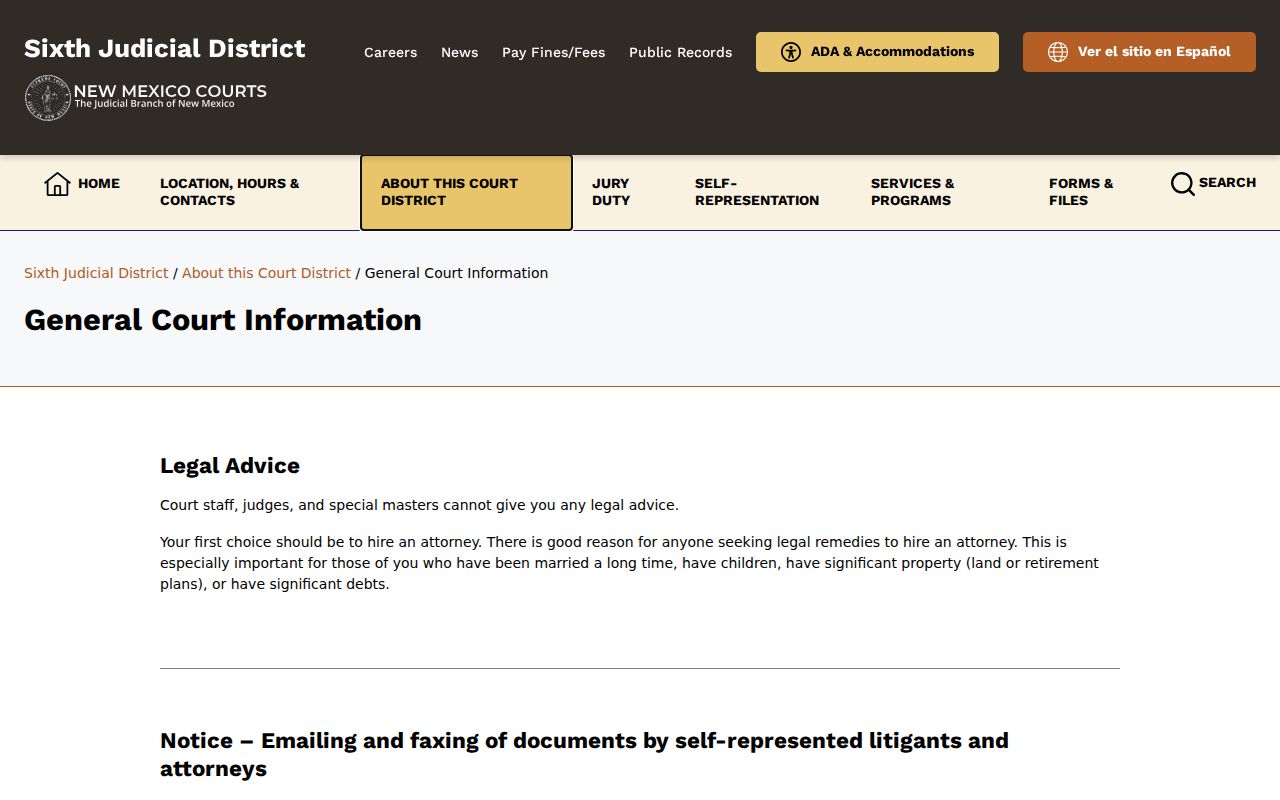
The same guidance adds two courthouse rules. Arrive at least fifteen minutes early, and bring three copies of any planned exhibits. The calendar finds the setting; these rules get you ready for it.
Note: Coming early matters here. Several Hidalgo County cases may run one after another behind a single calendar time.
If You Miss a Court Setting
Skipping a Hidalgo County court setting can carry real consequences. The docket will show it later. Expect entries like a summons, a show-cause action, or a warrant-related filing. The exact mix depends on the rules that govern the case and the court. The public calendar has one blind spot. It cannot tell you where a missed appearance stands today. Call the court that set the matter and give the case number. That call beats guessing. Anyone represented in the case should also reach their attorney promptly through the usual case-specific channel.
Missed setting: Do not assume a calendar omission, a reset, or a later office session removes the need to confirm the case directly with the Hidalgo County court.
District, Magistrate, and Municipal Court cases have separate clerks and separate records, so call the court that created the setting.
A current court status must be confirmed with the clerk or through the authorized case-access channel rather than inferred from a public search screen.
On a Hidalgo County criminal or traffic matter, the public record may carry a warrant-related indicator. Treat it as a flag only. It does not, standing alone, tell you the case status or the outcome, so confirm with the court before drawing any conclusion.
Hidalgo County Court Date Arrival Rules
Practical rules shape a Hidalgo County court appearance. The Sixth District courtroom conduct rules recommend arriving fifteen minutes early. The same rules ban recording devices, cameras, tablets, and similar electronics. Special written permission is the only exception. They also cover weapons, contraband, food, children, clothing, and general courtroom behavior. The courthouse itself posts no public self-service kiosk, parking plan, or transit map. Plan your arrival on your own.
The district's courtroom conduct page is the official source. It sets the local conduct and device rules that apply at a court appearance.
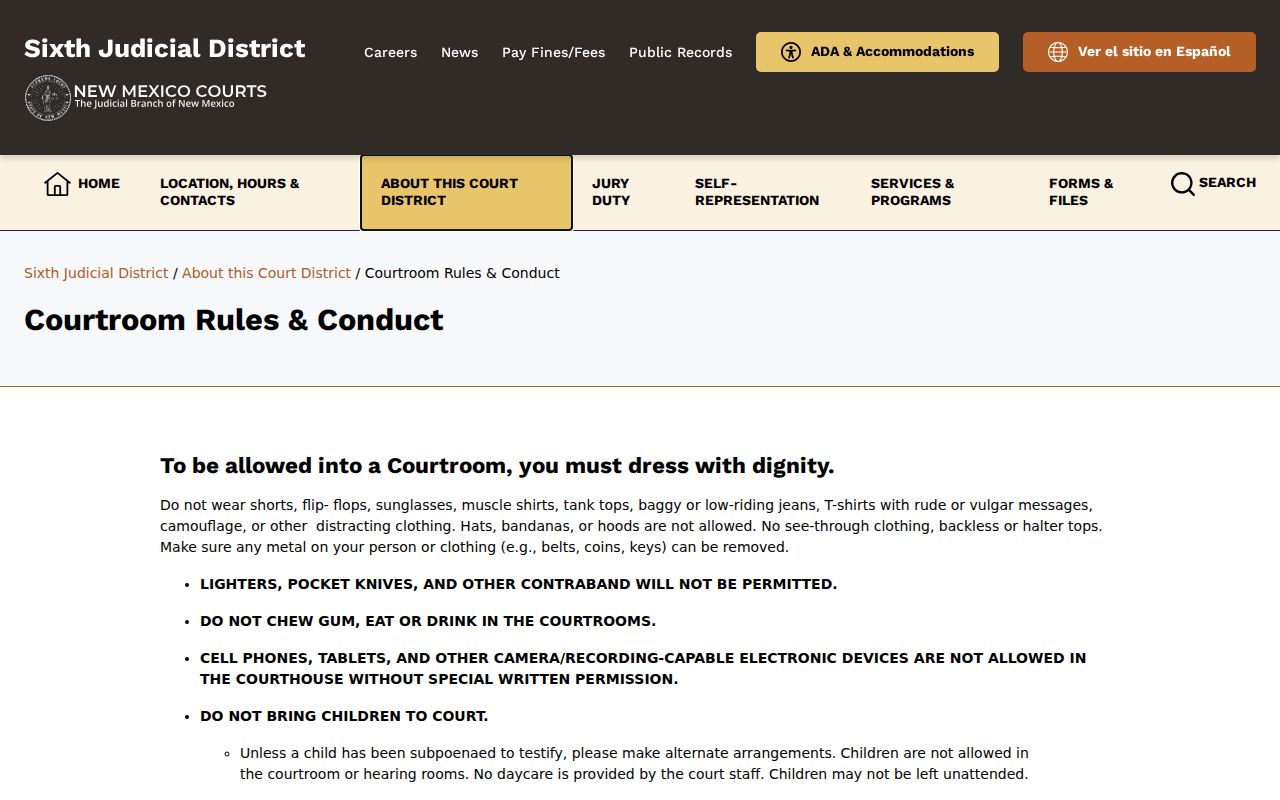
Never assume remote attendance from a calendar entry. The district allows a telephonic appearance only after a written good-cause request and advance approval. Its remote plan is blunt on kiosks. None are possible in Hidalgo District or any Magistrate Court. Lordsburg Municipal Court lists sessions Tuesday and Thursday, 9:00 to 11:00 a.m. Even so, a citation controls. Its own instructions decide whether you must appear. So does confirmation straight from the court.
Note: City office hours and listed sessions never override a citation's individual appearance instructions.